A “happy birthday 🎂” text is gone in a scroll. A card is something they open. You can have both: send a card that lives at a link, and it arrives in the same chat as everything else.
1
Make a card that lives at a link. Not a picture you attach, but a page that opens in their browser. No app or account on their side.
2
Paste the link into the chat. iMessage, Google Messages or WhatsApp. Wait a second for the preview picture to appear.
3
Send it at the right moment. Send it now, or schedule it for the morning of their birthday.
It opens from a link. Any chat app can carry a link, so it works between iPhone and Android, and in WhatsApp.
It shows a picture in the chat. Chat apps build link previews from tags a page provides, such as a title and an image (the Open Graph protocol). A card without them arrives as a bare URL.
The preview doesn’t spoil the surprise. The best preview says who it’s for and invites a tap, but keeps the message inside.
No sign-up for them. If opening a birthday card asks for an email, the moment is gone.
iMessage
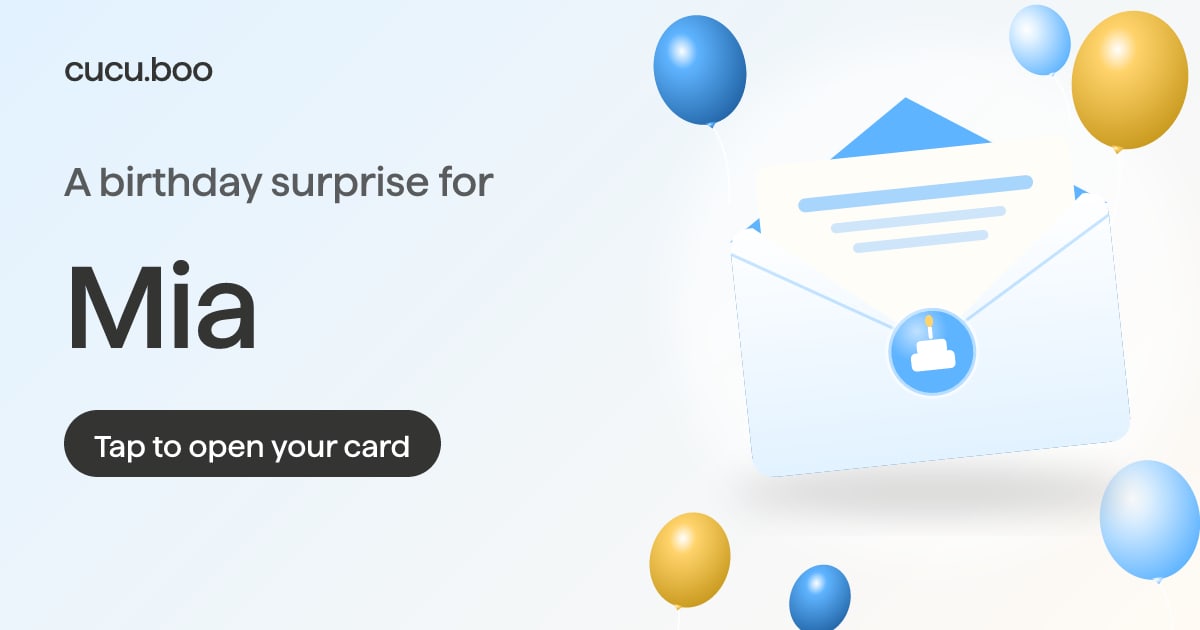
A little surprise for Mia — cucu.boo
cucu.boo
Happy birthday! I made you something 👇
Illustration of a chat. The preview picture is the real one a cucu.boo card link shows.
WhatsApp
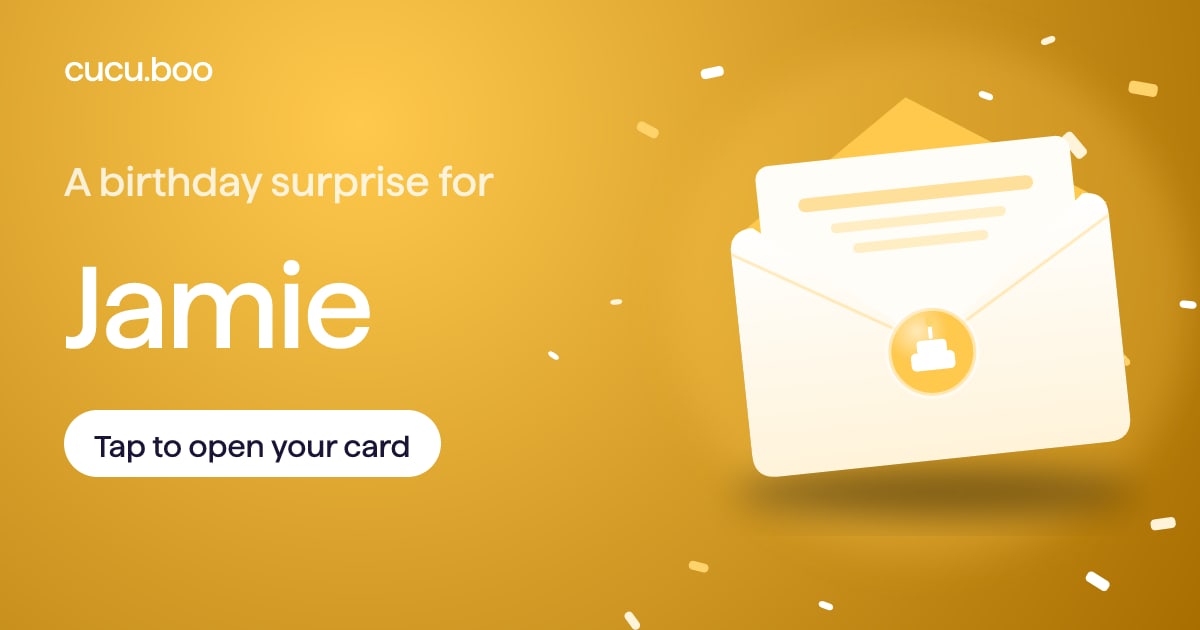
A little surprise for Jamie — cucu.boo
cucu.boo
Couldn’t be there today, so I sent you this 🎈
Illustration of a chat. The preview picture is the real one a cucu.boo card link shows.
How do I send it on iPhone?
Copy your card link.
Open Messages, go to their conversation, type a short line and paste the link on its own line.
Wait for the preview picture to appear, then send.
Schedule it for the morning. Tap +, then Send Later, and pick a time. It works in iMessage only, up to 14 days ahead, and the recipient won’t know it was scheduled (Apple Support).
Get balloons for free. If your text includes “Happy birthday”, Messages fills their screen with balloons automatically. Both of you need to be on iMessage (Apple Support).
How do I send it on Android?
Copy your card link and open their chat in Google Messages.
Paste the link under a short line of text.
To schedule it, touch and hold Send, choose a suggested time or pick your own date and time, then tap Send (Google Messages Help).
No preview picture? Google Messages lets you turn web link previews on or off under Settings → Automatic previews (Google Messages Help). The link works either way.
How do I send it on WhatsApp?
Open their chat, or a group chat if the whole family is celebrating.
Paste the link and wait until the preview card shows above the text field.
Add your line and send.
If no preview appears, check Settings → Privacy → Advanced → Disable link previews. When it’s on, links you send go out without previews (WhatsApp Help Center).
What do I write next to the link?
Keep the text short. The card carries the real message, the text just gets the tap. Five lines that work:
Happy birthday! I made you something 👇
Open this when you have a quiet minute 💌
Couldn’t be there today, so I sent you this instead 🎈
Tap the envelope. Yes, it’s for you.
Happy birthday from very far away 🎉
Send a card they’ll actually open
cucu.boo makes a birthday card with a 3D envelope that opens on their phone. One link, a preview picture with their name, your message inside.
No. A card link opens in the browser they already have, on iPhone or Android. With cucu.boo they don’t need an account either.
Will the preview give away my message?+
Not with cucu.boo. The preview shows an envelope, the occasion and their name. Your message and your name stay inside until they open the card.
What if they only see a plain link?+
Some chats and settings show links without a preview. The card still opens with one tap, so it’s worth adding a line like “I made you something 👇” above the link.
Can I fix a typo after I’ve sent it?+
Yes. After paying you get a private page for your card where you can edit it. The link you sent stays the same, so they see the corrected version.
Can I schedule a birthday card text?+
Yes. iPhone users can tap + and choose Send Later (iMessage only, up to 14 days ahead). In Google Messages, touch and hold Send and pick a date and time.
How much does it cost?+
cucu.boo charges $2.99 once per card. No subscription and no sign-up. Sending the link in a chat costs the same as any other message.